What Is OpenClaw? The AI Agent That Actually Does Things (2026 Review)
Most AI tools answer your questions. OpenClaw is the one that actually does the work — and in 2026, that distinction matters more than ever.
If you have been trying to understand what OpenClaw is and why people keep talking about it, this article covers everything: what it does, how it works under the hood, where it came from, and whether it belongs in your setup.
What Is OpenClaw? A Plain-Language Answer
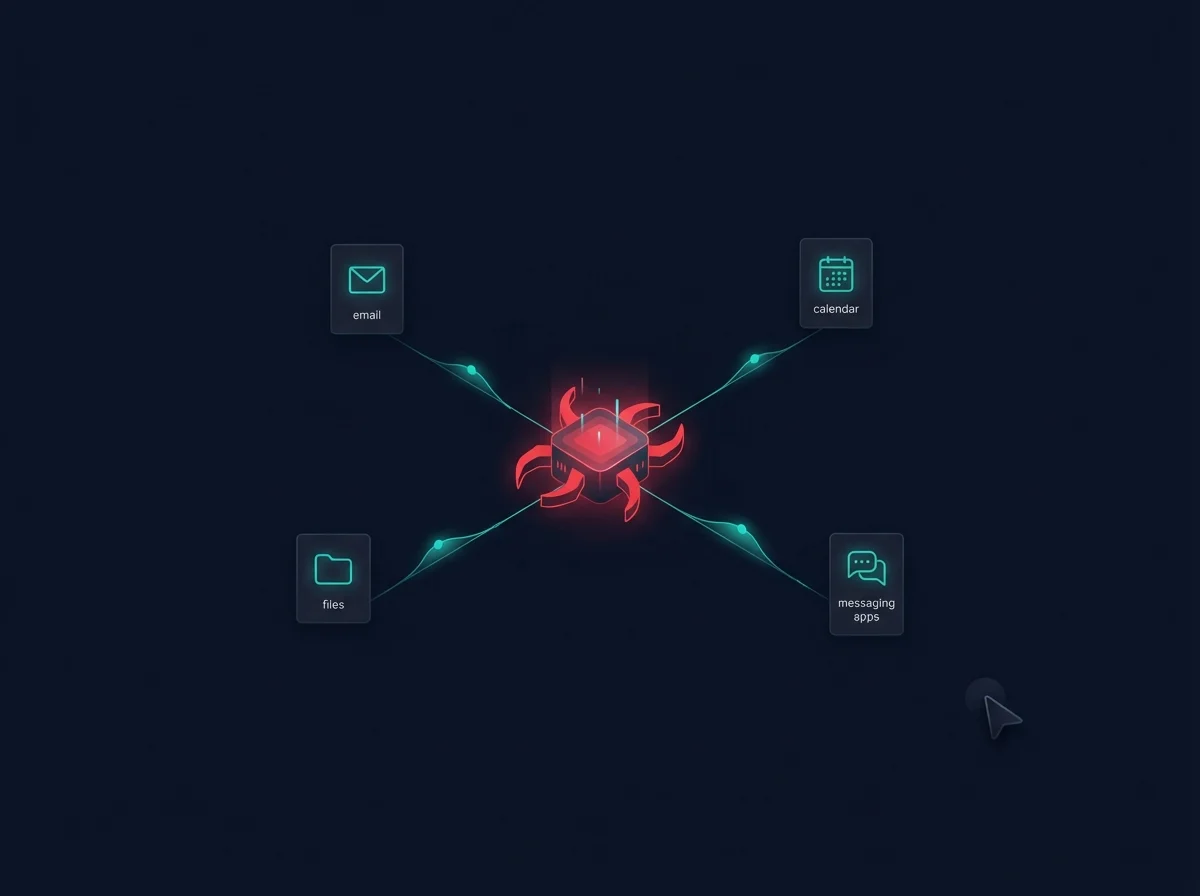
OpenClaw is a personal AI agent platform that connects a large language model (like Claude or GPT-4) to your real digital life. Unlike a chatbot, it does not just respond to prompts and stop there. It reads your emails, writes and sends replies, manages files, calls external APIs, runs code, and coordinates multi-step tasks without you having to babysit every move.
The simplest way to think about it: ChatGPT is a very smart conversation partner. OpenClaw is a very smart coworker who has access to your accounts and can get things done.
It runs on your own machine (or a server you control), connects to messaging platforms like Telegram, Discord, and WhatsApp, and exposes an extensible skill system so you can teach it new capabilities over time. Everything it does is logged, auditable, and reversible where possible.
The Origin Story: From Clawdbot to OpenClaw
OpenClaw did not appear overnight. The project started as a private tool called Clawdbot, built by Peter Steinberger, the developer best known for creating PSPDFKit (now Nutrient), one of the most widely used PDF SDKs in the mobile world.
Steinberger had been experimenting with giving LLMs real agency over his personal workflow. Clawdbot was that experiment made semi-public. It evolved, got rebranded as Moltbot, and eventually became OpenClaw as the project matured and the community around it grew.
The name change from Moltbot to OpenClaw reflects a shift in ambition: from a personal productivity tool to a full platform with a skills marketplace, multi-agent support, and a growing ecosystem. The OpenAI acquisition of associated tooling accelerated adoption in early 2025, bringing OpenClaw to a much wider technical audience.
Today OpenClaw is one of the most serious "local AI agent" projects available, with an active community, regular updates, and a clear philosophy: your agent, your data, your rules.
How OpenClaw Actually Works
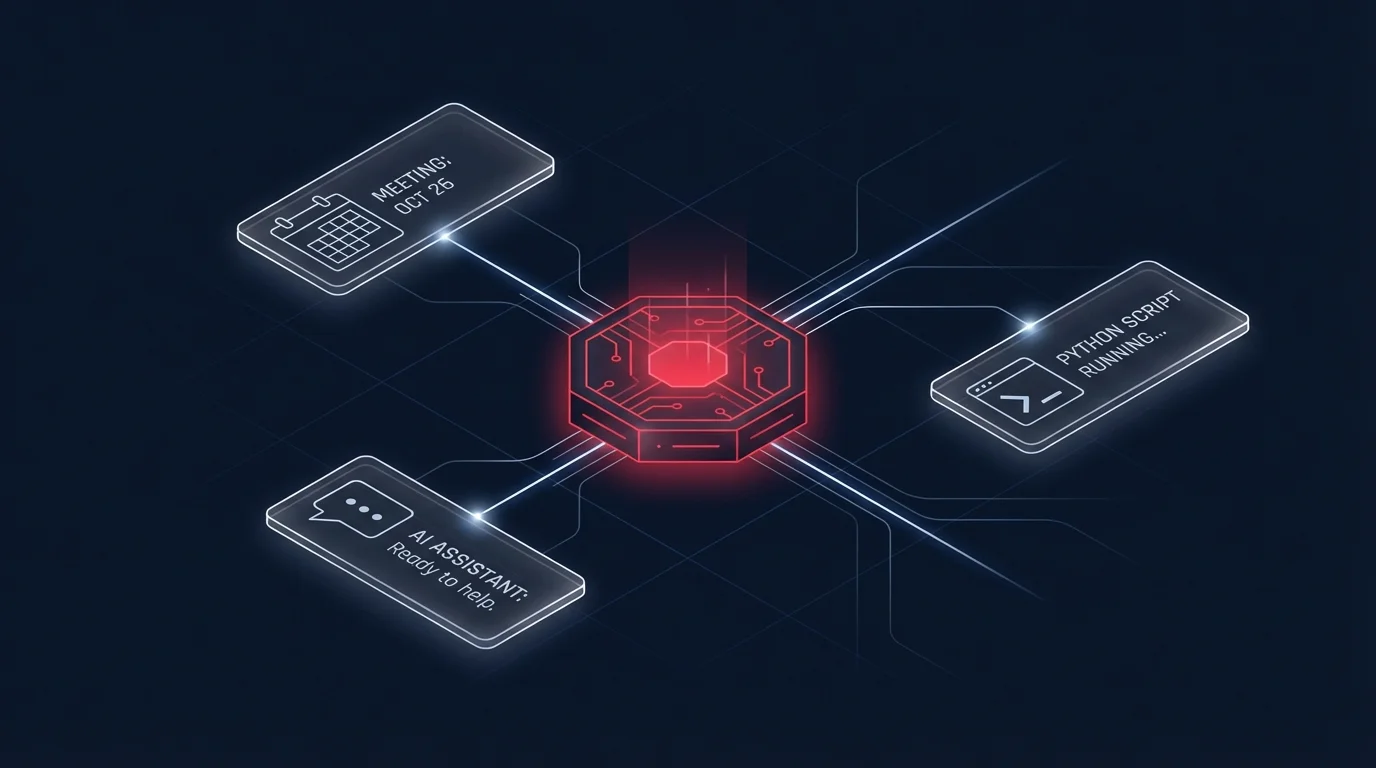
Under the hood, OpenClaw combines four layers:
- LLM backend: You connect it to a model of your choice. Anthropic Claude and OpenAI GPT-4 are the most common. The LLM is the brain that reasons and decides.
- Skills system: Skills are modular capability packages that tell the agent what tools are available and how to use them. A skill might wrap the Gmail API, a CLI tool, a home automation endpoint, or a custom script.
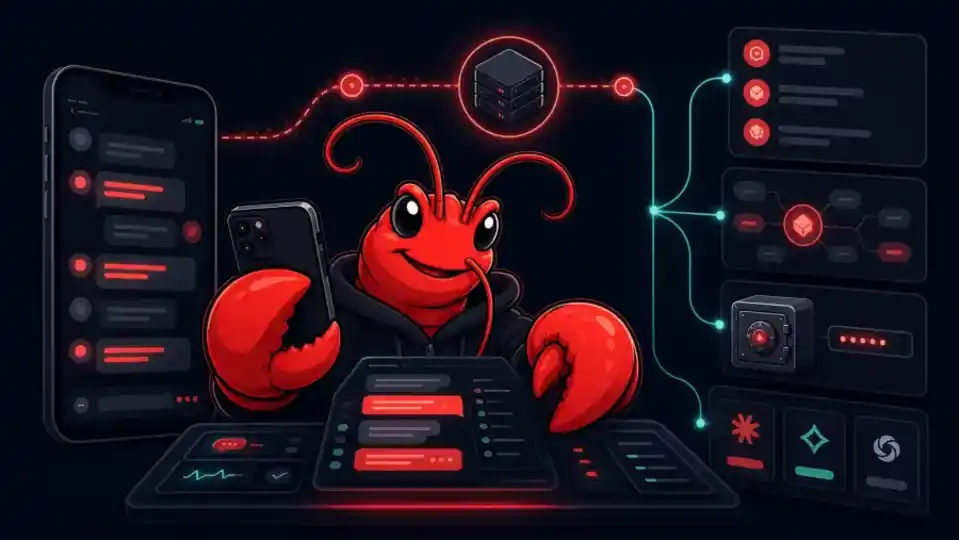
- Messaging interface: OpenClaw connects to channels like Telegram, Discord, Slack, and WhatsApp. You talk to your agent through your phone, just like messaging a person.
- Local execution environment: Commands run on your machine or server. The agent can run shell commands, write files, call APIs, and manage processes. Nothing gets sent to a third-party cloud unless you configure it to.
When you send a message, the LLM reads the full context (your message, available skills, recent memory), decides what to do, and executes one or more tool calls. It loops until the task is complete, then reports back. For complex tasks it can spawn subagents to work in parallel.
The Skills System Explained
Skills are the heart of what makes OpenClaw extensible. Each skill is a directory containing a SKILL.md file (written in plain language, not code) that tells the agent how to use a specific capability. The agent reads the relevant skill before acting, which grounds its behavior and makes it reliable.
Out of the box, OpenClaw ships with skills for email (via Himalaya), Apple Reminders, weather, spreadsheets, web search, browser control, iMessage, WhatsApp, and more. The skills marketplace lets community members publish and share their own. You can also write custom skills for your own internal tools or workflows.
This is fundamentally different from how most AI assistants work. Instead of fine-tuning the model or writing complex prompt chains, you write a plain-language instruction file. The model reads it and follows it. Simple, transparent, and easy to debug.
For a deeper dive into the skills system, see our dedicated OpenClaw skills system guide.
OpenClaw vs ChatGPT: Key Differences
The most common question people ask when learning what is OpenClaw is how it stacks up against ChatGPT. They serve different purposes, but the comparison is worth making explicit.
| Feature | ChatGPT | OpenClaw |
|---|---|---|
| Core purpose | Conversational AI / Q&A | Autonomous AI agent |
| Executes actions | Limited (via plugins/tools) | Yes, natively and deeply |
| Runs on your machine | No (cloud only) | Yes |
| Connects to messaging apps | No | Yes (Telegram, Discord, WhatsApp, etc.) |
| Extensible with skills | Via GPT plugins (limited) | Yes, full skill marketplace |
| Memory / context | Project memory (limited) | File-based persistent memory |
| Multi-agent pipelines | No | Yes |
| Data stays on your device | No | Yes (with local model or careful config) |
| Proactive / scheduled tasks | No | Yes (heartbeats, cron) |
| Free / open source | Freemium, closed source | Paid license, source-available |
The takeaway: ChatGPT is excellent for on-demand questions, brainstorming, and content generation. OpenClaw is for people who want an agent that works alongside them all day, handles operational tasks, and remembers context across weeks and months.
What Can OpenClaw Actually Do? Real-World Use Cases
The capabilities list grows with every skill, but these are the most common things people use OpenClaw for today:
Email and Communication
OpenClaw can read, triage, draft, and send emails through Himalaya (IMAP/SMTP). Many users set it up to flag important messages, summarize threads, and draft replies in their writing style. It handles both personal and business accounts and can distinguish between inbox zero and inbox management strategies.
Calendar and Scheduling
Connect it to your calendar and it becomes a scheduling assistant that understands natural language. "Block tomorrow afternoon for deep work" or "find a two-hour slot next week for a call with someone in New York" are handled without friction.
File Management and Research
Ask it to organize downloads, rename files by convention, extract key data from PDFs, or summarize a folder of documents. It can search the web, fetch pages, and synthesize information into structured outputs.
API Integration and Automation
Through the unbrowse skill and custom skills, OpenClaw can interact with internal APIs, CRMs, databases, and third-party services. Developers use it to automate repetitive ops tasks, monitor pipelines, and trigger actions across systems.
Multi-Agent Pipelines
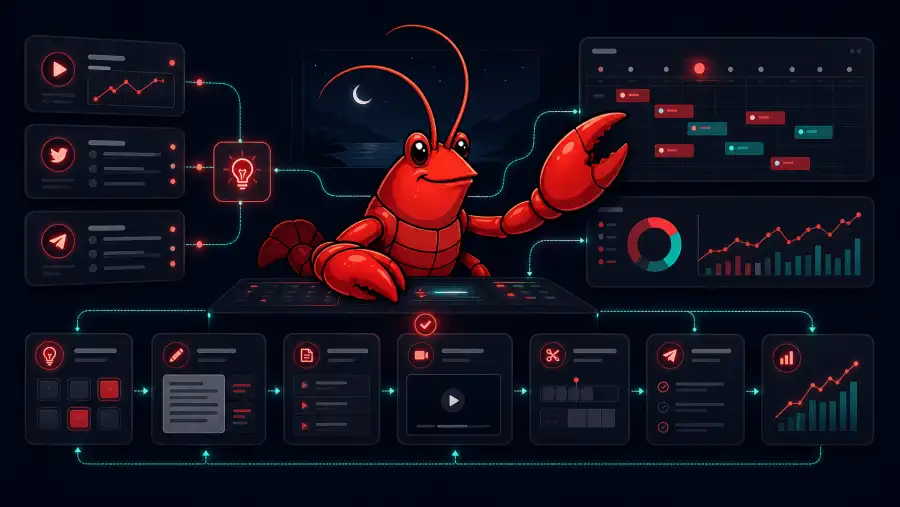
For complex tasks, OpenClaw can spawn subagents that work in parallel or sequence. One agent drafts content, another fact-checks it, a third publishes it. This is where it starts to feel less like a tool and more like a small team.
Proactive Tasks and Heartbeats
You can configure OpenClaw to check in periodically without you asking. It monitors emails, surfaces calendar reminders, runs scheduled reports, and reaches out when something needs attention. It is the difference between a reactive assistant and a proactive one.
Who Is OpenClaw For?
OpenClaw is not for everyone, and it is honest about that. You will get the most out of it if you:
- Are comfortable with a terminal and basic configuration
- Have a MacOS or Linux machine (or a VPS) to run it on
- Use Telegram, Discord, or another supported messaging app regularly
- Have recurring digital tasks that eat 30+ minutes per day
- Care about keeping your data local and not routing it through a third-party AI cloud
It is probably not the right fit if you want a no-code solution, are uncomfortable with YAML and config files, or just need occasional help with writing tasks. For those cases, ChatGPT or Claude.ai are simpler and more immediately accessible.
A Brief Note on Security
Giving an AI agent access to your email, files, and machine is a meaningful security decision. OpenClaw takes a thoughtful approach: it runs locally, requires explicit permission grants, and logs actions so you can audit them. But there are real risks to understand before you connect it to production accounts.
We cover the full threat model in our OpenClaw security risks guide — worth reading before you go beyond basic setup.
How to Get Started with OpenClaw in 3 Steps
The full walkthrough is in our OpenClaw setup guide, but here is the shape of the process:
- Step 1: Install OpenClaw. It installs via npm on MacOS or Linux. You will need Node.js 18+ and a terminal you are comfortable in. The install takes about five minutes.
- Step 2: Connect your LLM and messaging channel. Add your API key (Anthropic or OpenAI), then connect Telegram or Discord as your interface. This is where most first-timers spend their time, but the docs are clear.
- Step 3: Install your first skills and configure your workspace. Point it at your workspace directory, drop in a
SOUL.mdandUSER.mdto give it context about who you are, and install a few skills to match your workflow. From there, you iterate.
The Bottom Line: What Is OpenClaw in 2026?
OpenClaw is the most capable personal AI agent platform available for people who want real automation without giving up control over their data. It is not a chatbot, not a no-code tool, and not a replacement for human judgment. It is a force multiplier for people who are already productive and want to go further.
The project has matured significantly since its Clawdbot origins. The skills ecosystem is rich, the community is active, and the platform is stable enough for daily use on serious workflows. If you have been on the fence about what is OpenClaw and whether it is worth your time, the honest answer is: it depends on your setup, but for the right person, it changes how work feels.
Ready to see what OpenClaw can do for your workflow? Start with the setup guide to get running in under 30 minutes, or browse the use cases article to find the workflows most relevant to your work. The agent is waiting.