How to Set Up OpenClaw for Free (Step-by-Step Guide)
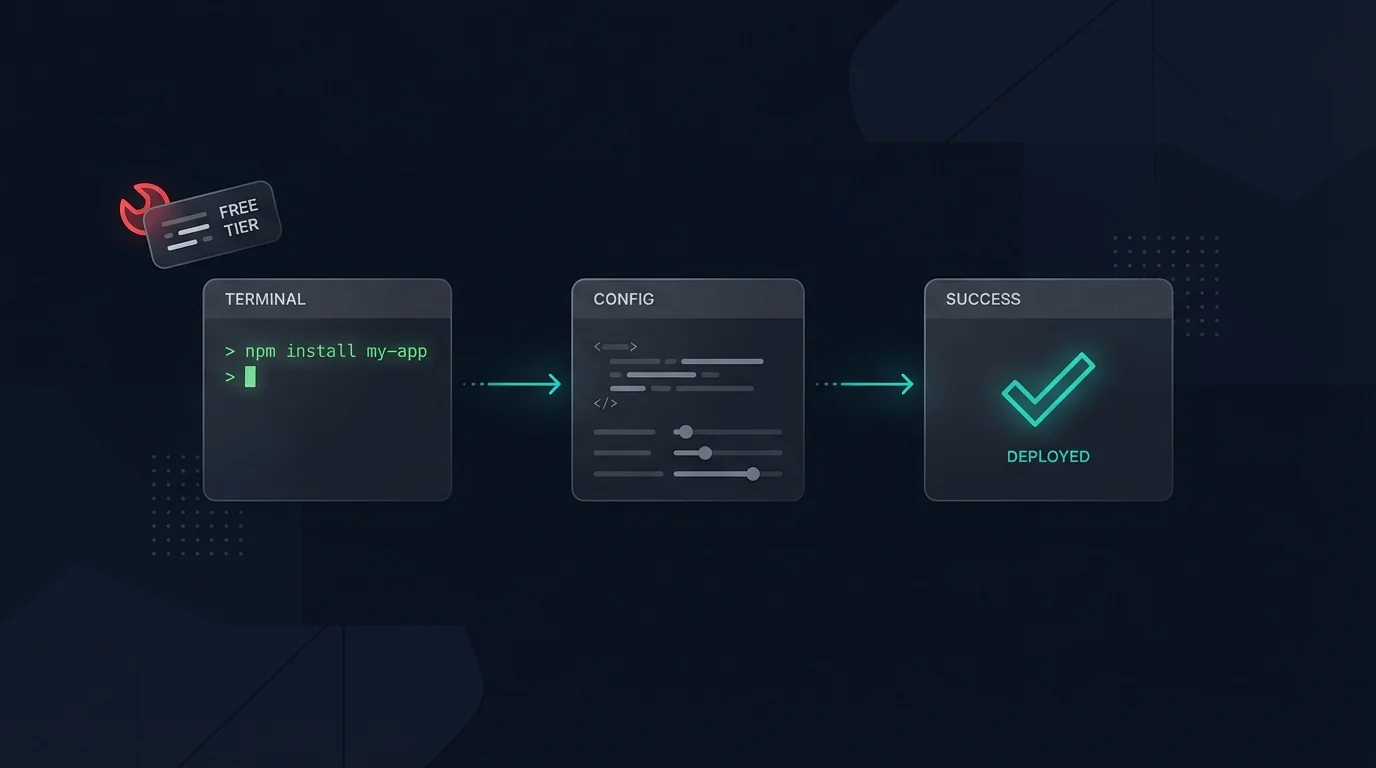
OpenClaw is free. The code is public, the install is a single command, and within 20 minutes you can have a personal AI assistant running on your machine and talking to you over Telegram.
This guide walks through exactly how to do it. We'll also be honest about where the DIY path hits walls — and why a lot of people who start this way end up switching to a Clawployees subscription before they finish the weekend.
What OpenClaw Actually Is
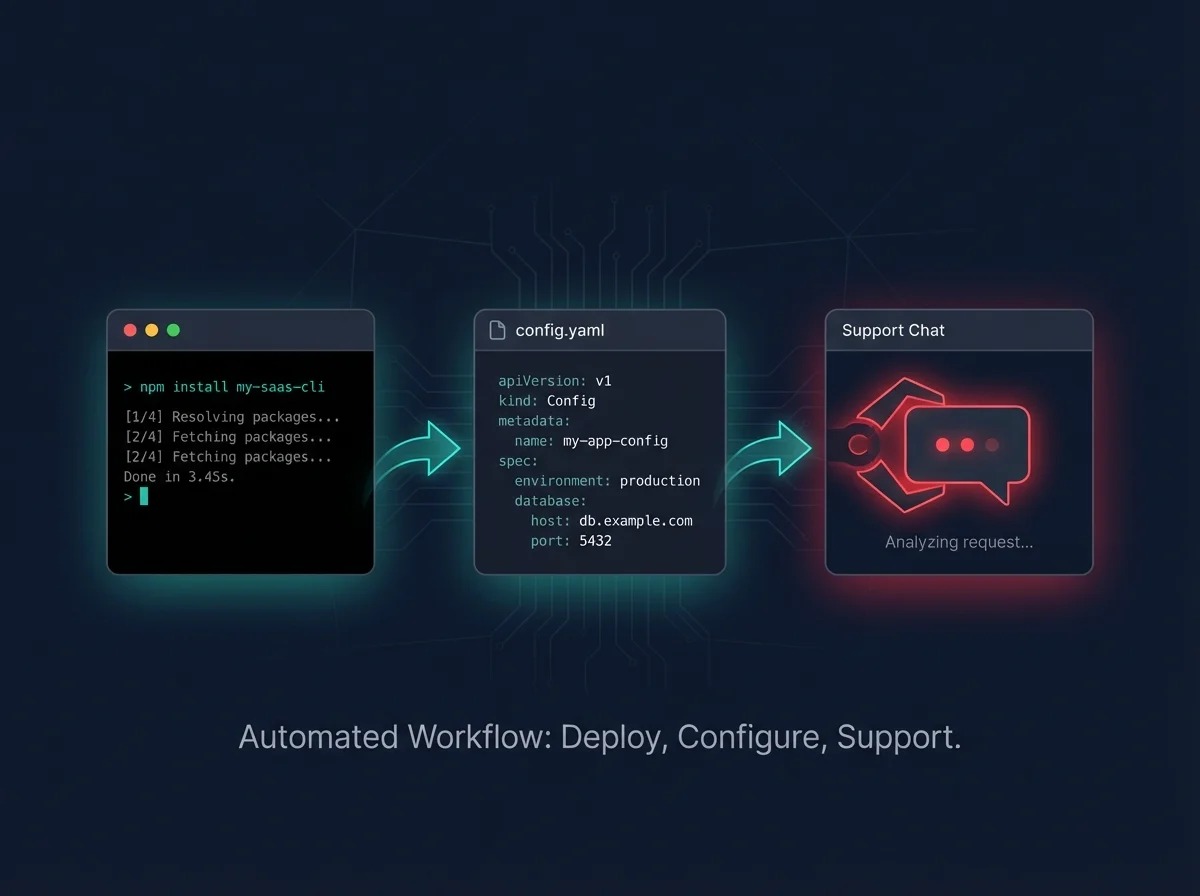
OpenClaw is a self-hosted AI assistant — a local-first system that runs on your machine or a VPS and connects to your messaging apps (Telegram, WhatsApp, Discord), your tools, and your model providers (Claude, GPT, or local models via Ollama).
Unlike SaaS AI tools, OpenClaw keeps everything on your infrastructure. Your data stays yours. Your agent runs 24/7. And because it's file-based, you can script it, customize it, and extend it however you want.
The tradeoff is setup time. Let's walk through it.
Prerequisites
Before you start, you'll need:
- Node.js 18+ installed (
node --versionto check) - An AI API key — Anthropic (Claude), OpenAI, or a local Ollama setup
- A Telegram account (recommended for the easiest messaging integration)
- Basic comfort with a terminal
If you're on macOS with Homebrew, Node is one command: brew install node. On Ubuntu/Debian: sudo apt install nodejs npm.
Step 1: Install OpenClaw
One command:
npm install -g openclawThis installs the OpenClaw CLI globally. Verify it worked:
openclaw --versionYou should see a version number. If you get a permissions error on macOS, prefix with sudo or fix your npm prefix config.
Step 2: Run the Onboarding Wizard
OpenClaw has a built-in onboarding flow that handles the heavy lifting:
openclaw onboardYou'll be walked through:
- Model provider selection — pick Anthropic, OpenAI, or Ollama (local/free)
- API key entry — paste your key, it's stored locally
- Messaging channel setup — Telegram is the easiest path here
- Workspace initialization — this creates your
~/clawdfolder where your agent's memory, skills, and config live
For Telegram integration, you'll need to create a bot via @BotFather and paste the token when prompted. Takes about 2 minutes.
Step 3: Start the Gateway
Once onboarded, start the gateway service that keeps your agent running:
openclaw gateway startYour agent is now live. Message your Telegram bot and it responds. You can close your terminal — the gateway runs in the background.
To check status at any time:
openclaw gateway statusStep 4: Customize Your Agent
OpenClaw becomes genuinely useful once you configure the workspace files in ~/clawd/:
- SOUL.md — your agent's personality and operating rules
- USER.md — context about you (name, timezone, goals)
- MEMORY.md — long-term memory the agent reads every session
- HEARTBEAT.md — tasks to run automatically on a schedule
This is where the real power is. An agent that knows who you are, what you're working on, and what to check proactively is genuinely different from a chatbot you query on demand.
Step 5: Install Skills
Skills extend what your agent can do — email, calendar, web search, code execution, LinkedIn, stock data, and more. The official skill library is browsable at ClawHub.
Install a skill:
openclaw skills install himalaya  # email via IMAP/SMTP
openclaw skills install weather   # weather lookups
openclaw skills install xlsx      # spreadsheet creation
Each skill comes with a SKILL.md file that tells your agent when and how to use it. No prompt engineering required on your end.
Running It 24/7 (The Part People Underestimate)
A local install is great for testing. But if you want your agent available around the clock — not just when your laptop is on — you need a VPS.
The free tier on Oracle Cloud (4 ARM CPUs, 24GB RAM) is a popular choice. You'd spin up an Ubuntu instance, repeat the install steps, and point your Telegram bot at the new host. It works. It's genuinely free. It also takes 2–4 hours if you've never done it before and another hour of debugging if something goes wrong with Node versions, systemd, or firewall rules.
This is where the DIY path starts to cost real time.
The Hidden Costs of Self-Hosting
To be clear about what "free" actually means here:
- Time: Setup is 20 minutes on a good day. Debugging a broken gateway, a misconfigured Telegram webhook, or a skill that isn't loading can turn into an afternoon.
- Maintenance: OpenClaw updates frequently.
npm i -g openclaw@latest && openclaw gateway restartis the command, but staying current takes awareness. - Configuration depth: Getting your agent to actually behave the way you want — memory, heartbeats, skills, voice — requires reading documentation and iterating. The defaults are fine. A well-configured agent is substantially better.
- Model costs: The API calls to Claude or GPT are not free. A well-used agent costs $5–30/month in API usage depending on model and volume.
None of this is a dealbreaker. Plenty of people run excellent self-hosted setups. But it's honest to say: the setup is easy, the configuration is where the time goes.
The Easier Path: Clawployees
If what you actually want is an OpenClaw agent that works well — pre-configured, maintained, with a curated set of skills and a model setup that doesn't require reading API docs — that's what Clawployees is.
A Clawployees subscription gives you a pre-built agent based on OpenClaw, ready to connect to your Telegram in minutes. The workspace is already configured with the right memory structure, the core skills are installed, and the model routing is set up sensibly. You don't manage the infrastructure.
It's the same technology. Without the weekend.
You can get started here — the onboarding takes under 10 minutes and your agent is live by the time your coffee cools down.
Which Path Is Right for You?
Self-host if: You want full control, you enjoy this kind of setup, you have a specific infrastructure reason to keep it in-house, or you want to learn how it works under the hood. The free path is real and it works.
Go with Clawployees if: You want a working agent today, you'd rather spend your time using the assistant than configuring it, or you've already tried self-hosting and hit friction. The subscription pays for itself the first time your agent handles something you would have spent an hour on manually.
Either way, the technology is the same. OpenClaw is genuinely one of the most capable personal AI systems available. The question is just how much of your time you want to spend before it's working.